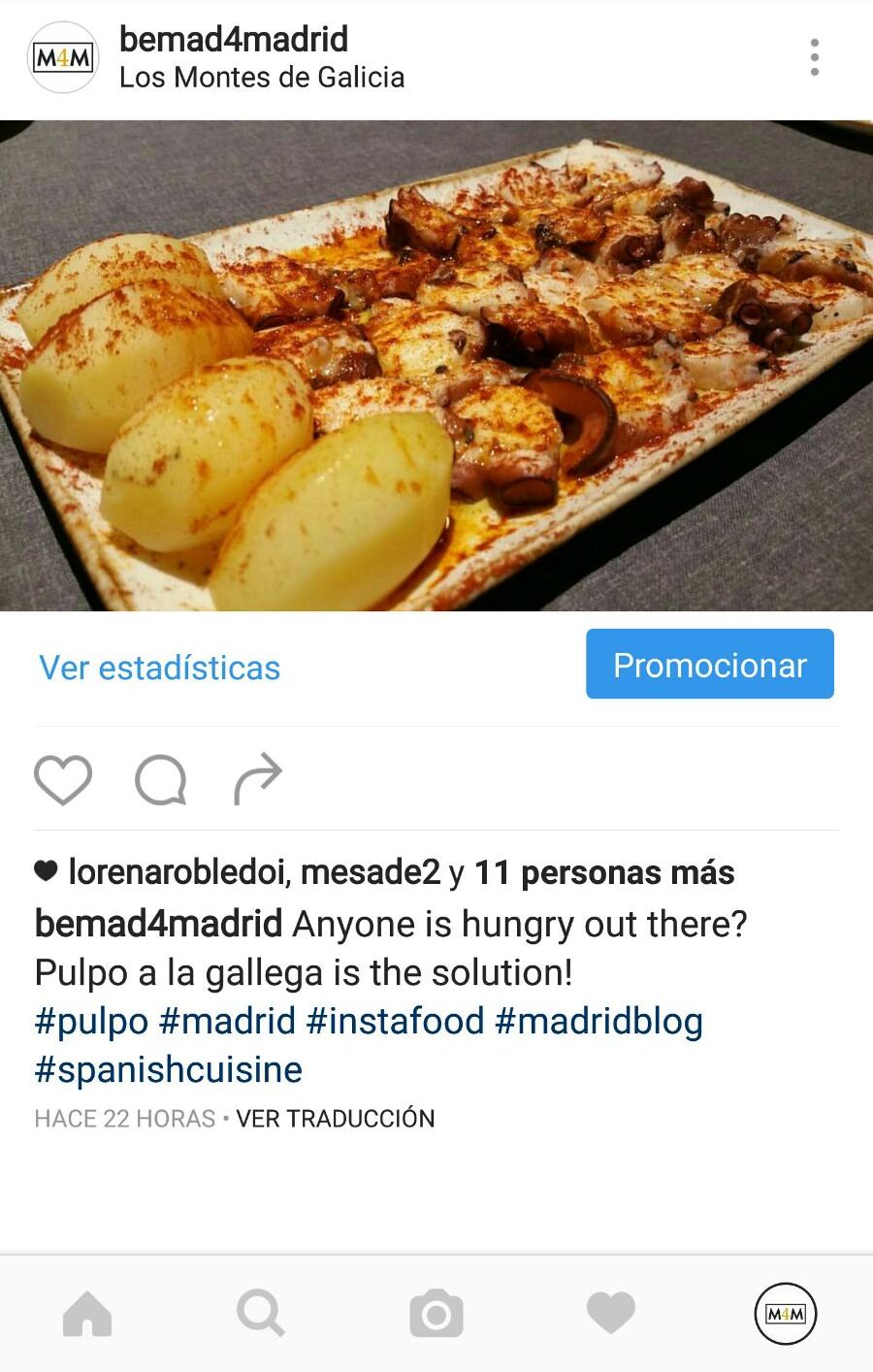
Shortly after receiving the news that Instagram was incorporating a functionality that was too similar to that offered by its great rival, the Snapchat application, it was made public that it would also create “company profiles”. Thus Facebook (the company that owns Instagram) intends to turn this platform into a
These “company profiles” are specifically targeted at businesses, allowing them to provide more information about their products and services to customers. The main difference with respect to traditional profiles is the existence of a
Users also have the option to differentiate a business according to its category and will be able to access the location of the business on the map.
What appears in the company profile?
- Contact button with your email
- The category of your business (according to your Facebook page). For example: Community
- Link to the physical address of your business
How do I take advantage of the company profile?
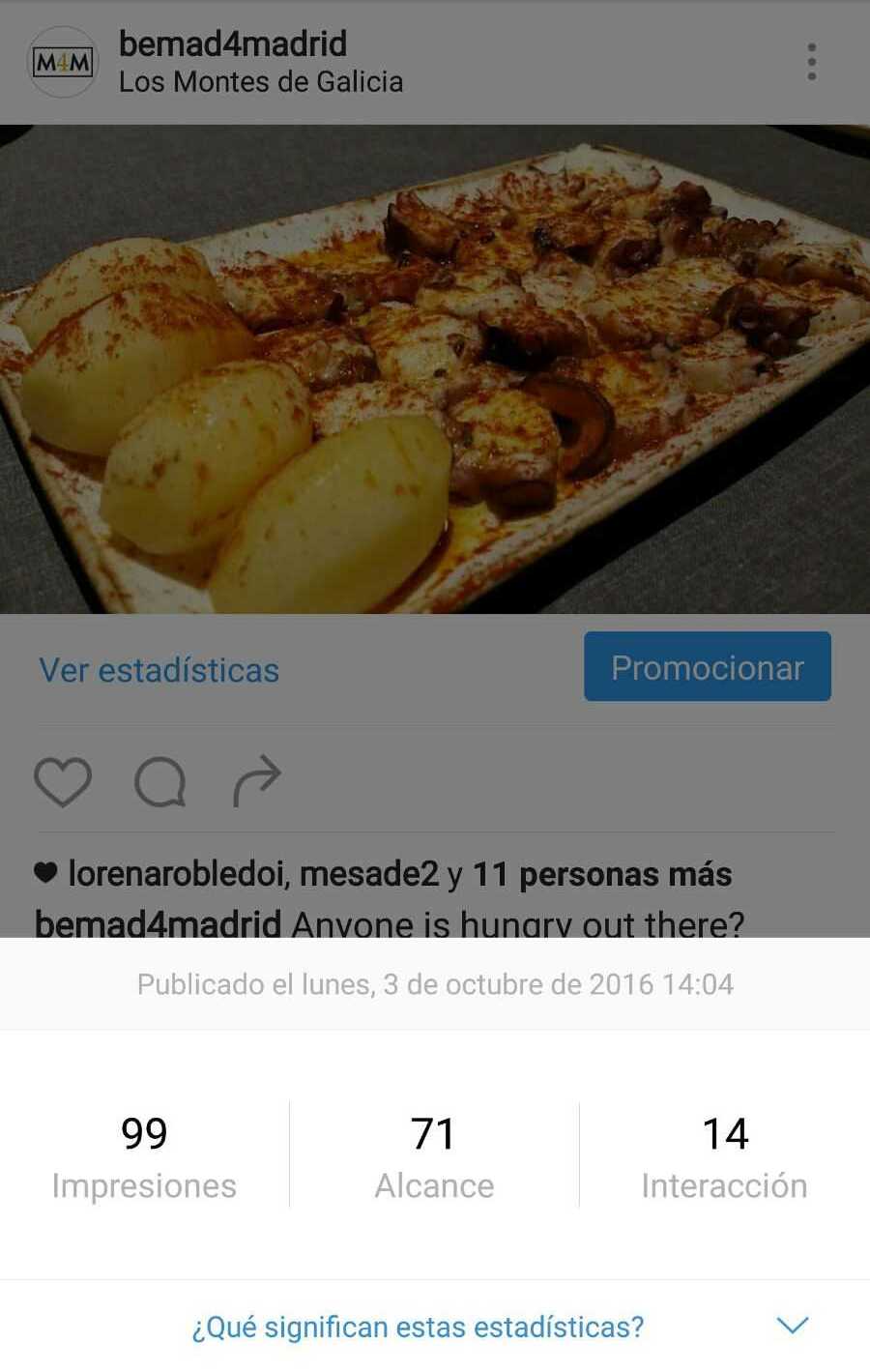
Within each publication you can learn metrics about:
- Impressions (number of times the publication has been shown)
- Reach (number of users who saw it)
- Interaction (total interactions with her)
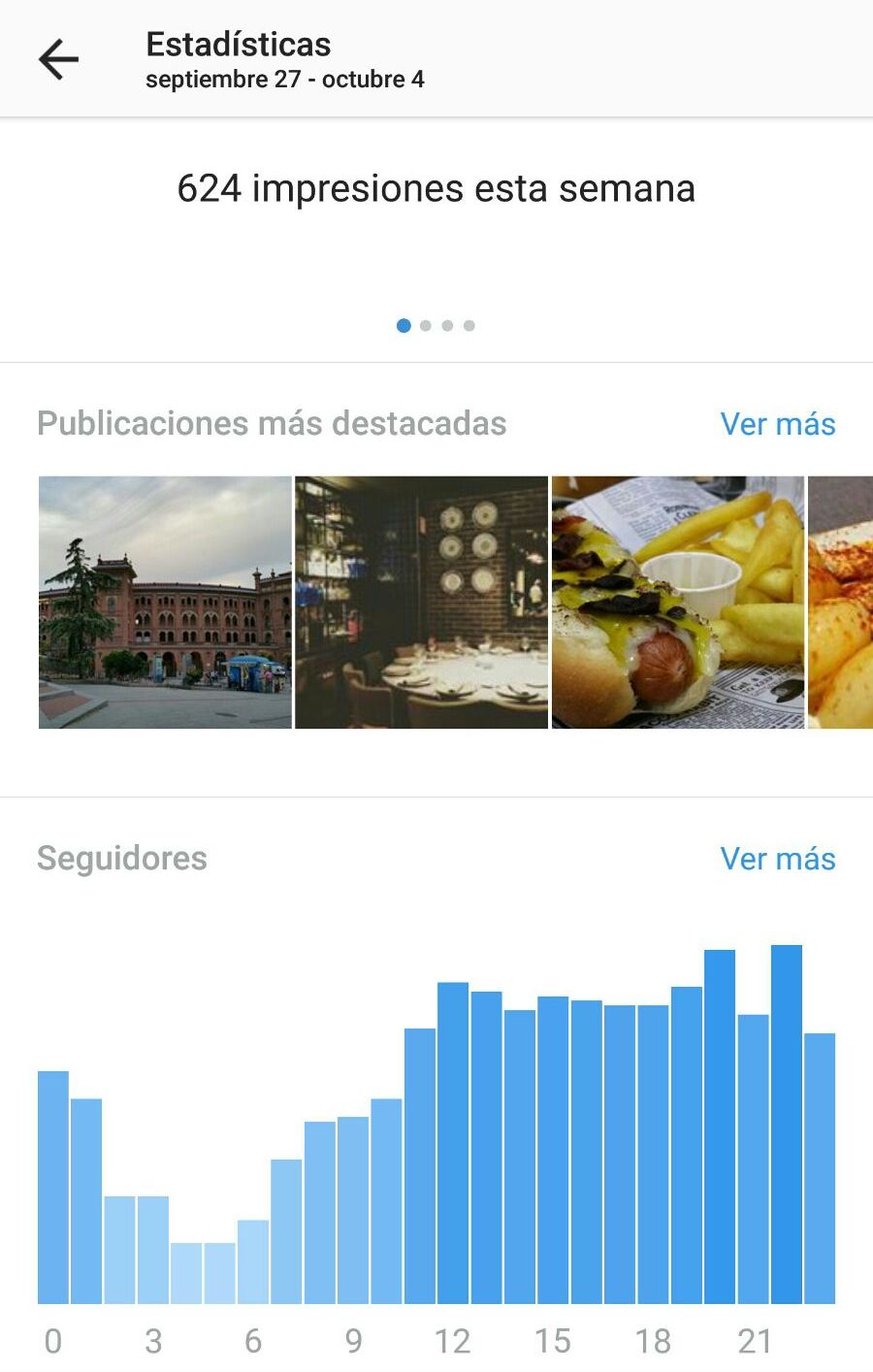
Within your profile you can know metrics about:
- Impressions of the week
- Scope of the week
- Profile views of the week
- Number of clicks to website of the week
- TOP contents
- Follower characteristics: New followers, total number of followers, gender and age, most active times or the country and main city of your followers.
The important thing about all this is that we can know which images our followers like the most, if there are users who see our photos but do not follow our profile, the number of people who come to our website from Instagram, the characteristics of our audience, etc.
It is important to study all these data as they will be of great help to enhance the profile and establish a good publication plan.
And speaking of publications, you should not forget that from now on if you share them on Facebook they will go to your company page and not to your personal profile. In addition, these images can be promoted on Instagram even after they have been published. This feature includes a
How do I activate the company profile?
- Select your Instagram account settings.
- Select the option “Switch to company profile”. This option will take you to connect your Instagram account with a Facebook page, where from now on the images and videos you decide to share with this social network will be published.
- Configure your profile options such as email, phone number or the category of your company.
- That’s it! You can start promoting yourself on Instagram.
The call to action button
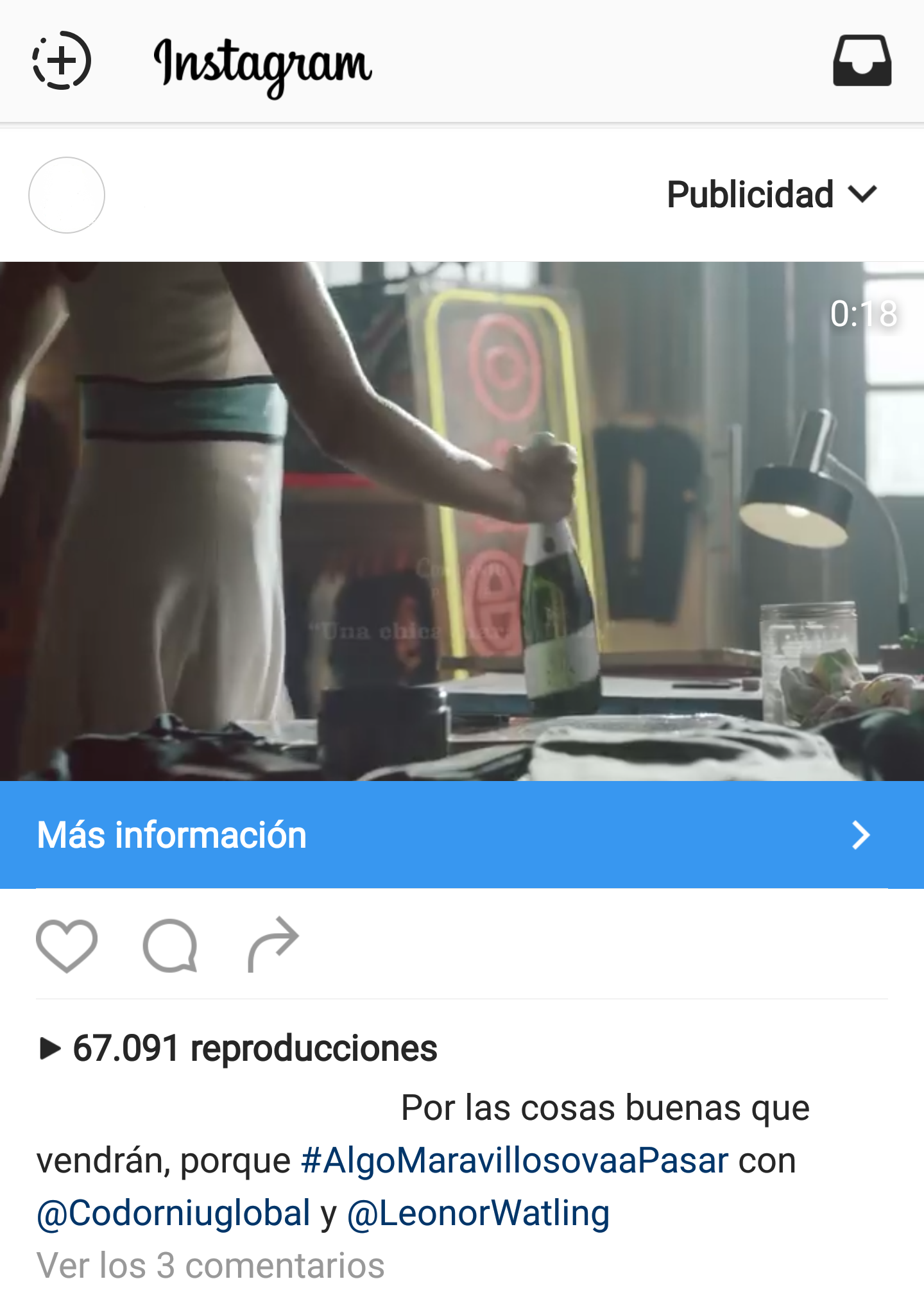
This button that directed users to the advertiser’s website, so they could get more information about the product or service shown in the image, has been active since late last year. But with the recent update it has incorporated improvements such as a more striking color, a larger size or the ability to appear only when the user shows some interest in the content.
Facebook confirms the effectiveness that this button is having in terms of advertisers’ profits, and we think it is a great way to offer more information about companies without being invasive.